
Perplexity Comet Meets Bargaining Agents

One of the key innovations people keep mentioning with agentic commerce is bargaining agents. Wouldn’t it be cool if while shopping you could instantly ask for better deals from across the entire internet?
It sounds futuristic, one of those ideas that feels exciting but impossible to pull off because it isn’t really clear how can it start in practice. We actually thought this is pure fantasy at this point as well - until we tried Perplexity’s new browser, Comet, and realized this is probably could be pulled off much sooner than expected. So we put together a simple workflow for agentic bargaining, including a do-it-yourself demo you can try yourself.
Before we jump in, let’s start by explaining about comet.
How Comet works
Comet is a Chromium fork, which in simple terms means the UX feels almost identical to Google Chrome. The main difference forms in the sidebar which includes a chat interface, just like ChatGPT. This chat interface helps you interact with your current browsing session, and has access to:
Every open tab in your browser
Services you connect through MCP, like Gmail, Calendar etc. (currently closed list curated by Perplexity).
Comet sidebar chat also has a few tools it can decide to invoke when you prompt it for something (closely on-par with how ChatGPT operates today):
Fetch: It can fetch data from a specific website.
Search across websites: It can use Perplexity search with semantic search. This is used when the LLM wants to run a query through multiple resources.
Example for running a query through few resources:
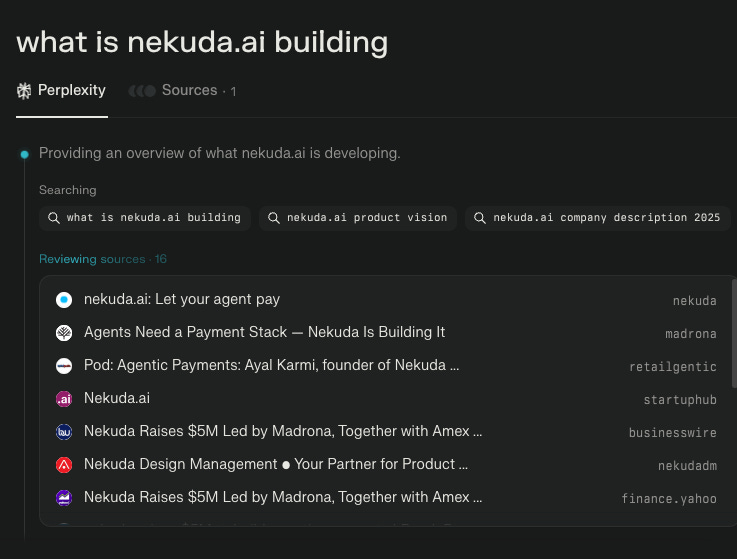
Takeover mode: It can take control of your browser and act on your behalf within the tab itself (you will recognize it when your browser screen becomes blueish colored).
Mini browsers: It can spin up “mini browsers” that work as small autonomous browser agents for side tasks. It looks like it opens a new small browser box within the sidebar. This is how it looks like:
Example for a ‘mini-browser’ instance:
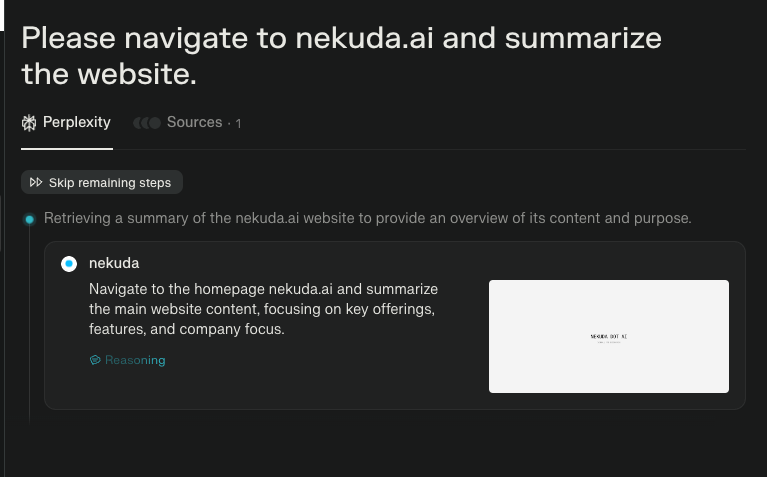
The story gets even more interesting by a very cool feature they introduced called Shortcuts. Think of Shortcuts as pre-stored prompts you trigger with the “/” command. For example:
/tldr = "Summarize the page I am currently browsing"Example of the Shortcuts interface:
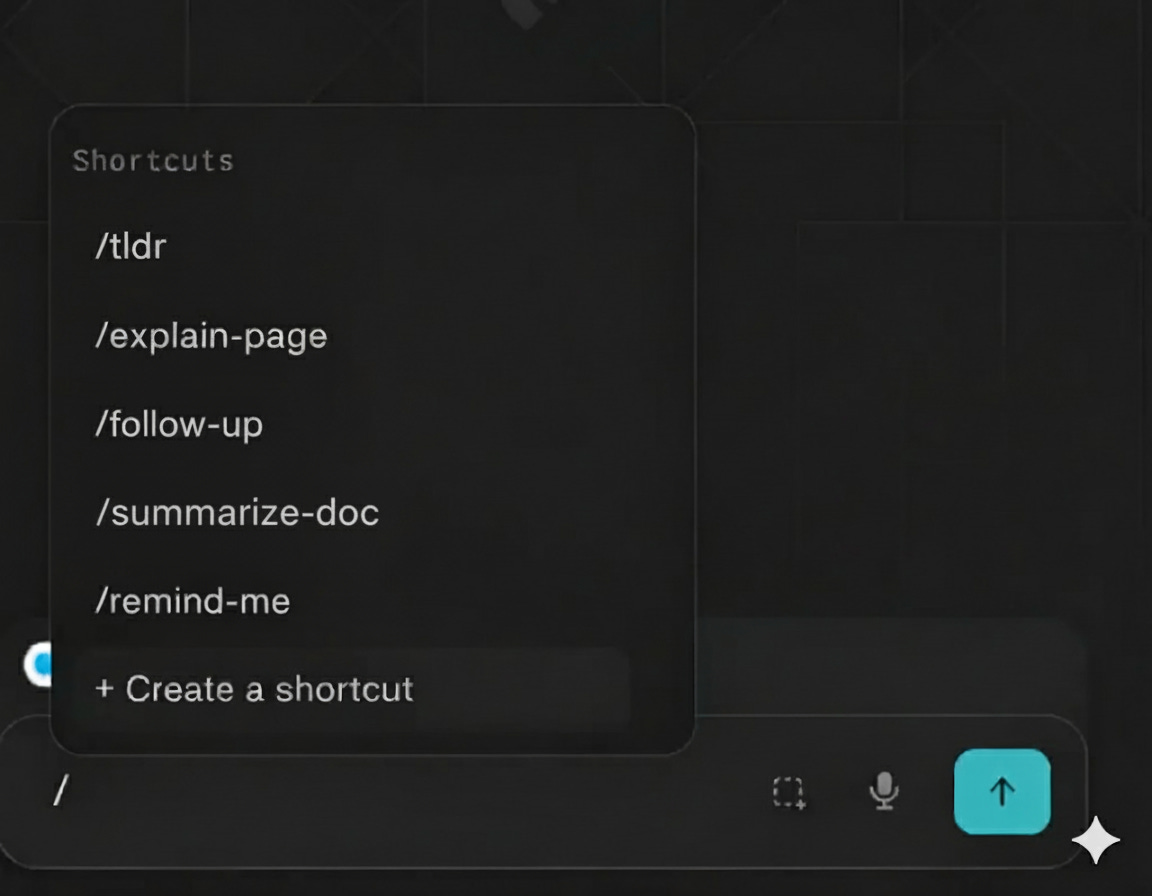
When you hit /tldr, it will automatically generate a summary of the current page you are in. Shortcuts can also use the tools mentioned above (fetch, search etc.), so they can trigger a mini-browser instance for example, and take actions in websites like filling forms, clicking buttons, scrolling etc.
Perplexity offers a cool repository of Shortcuts, so you can save pre-made shortcuts with one click. This is what it looks like:
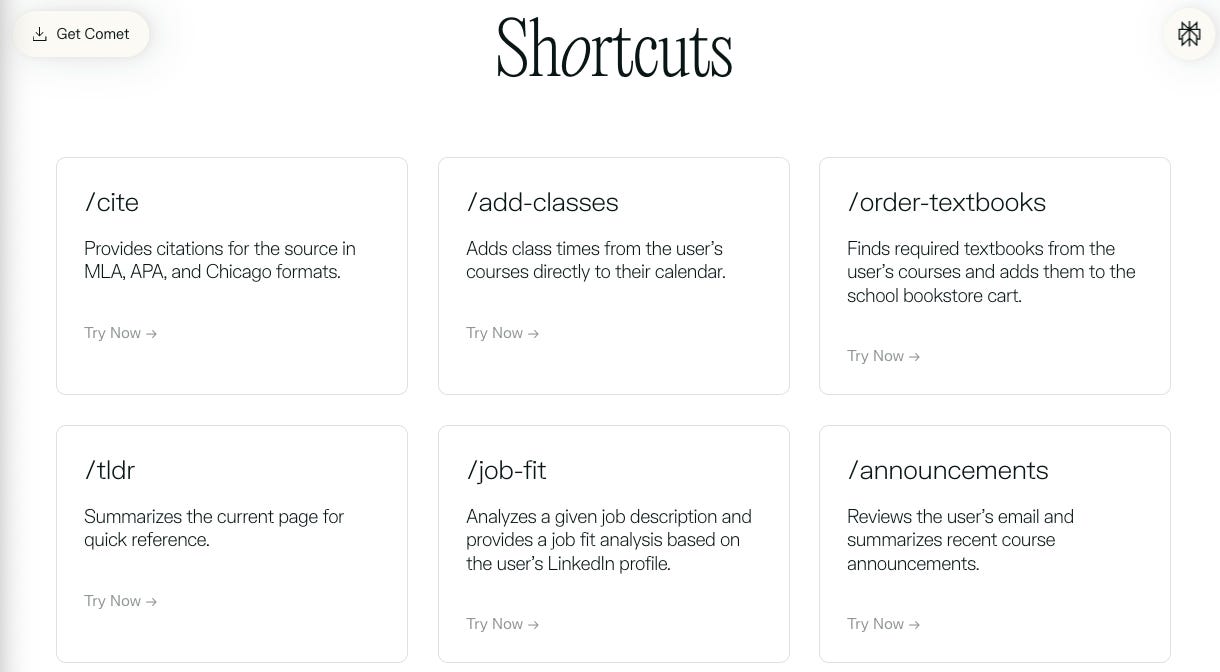
Shortcuts can currently only use the tools already in the Perplexity sidebar, and can’t connect to custom tools via MCP yet. That’s expected to come soon, which will turn them into powerful mini agentic apps – especially if you can save complex workflows that hook into different MCP services.
The combination of MCP and the agentic browser is powerful. Very powerful. Even without it we were able to create a quick demo of a bargaining agent in a few simple steps.
A bargaining agent flow with Comet:
A user visits a merchant site (say, Nike.com).
They find a product they like, and browse into a product page that contains price and details.
They call the /counter-offer shortcut. This is how /counter-offer is configured:
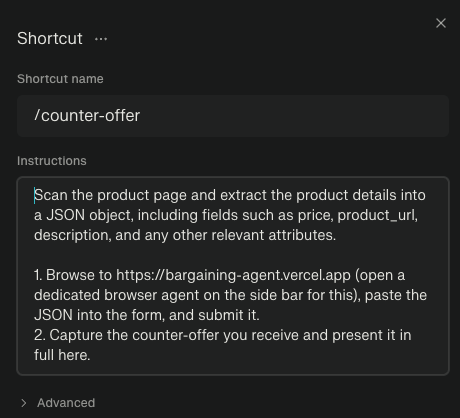
You can copy it from here:
Scan the product page and extract the product details into a JSON object, including fields such as price, product_url, description, and any other relevant attributes.

1. Browse to https://bargaining-agent.vercel.app (open a dedicated browser agent on the sidebar for this), paste the JSON into the form, and submit it.

2. Capture the counter-offer you receive and present it in full here
This Shortcut is doing the following:
Spins up a mini-browser and sends the JSON to a service that represents a merchant or many merchants that are willing to counter-offer.
Merchants can reply with counter-offers in the forms of links to the same item at a discount or with another deal.
The counter-offer appears in the Comet side-bar.
We have built a simple mock page with a form that can receive order intents and send back counter offers.
Summary: once you trigger /counter-offer, Comet creates the order intent, spins up a mini browser, hits the mock page, and returns the counter-offer.
Here’s what it looks like:
What’s the big deal
The thing that’s actually hard in this flow isn’t sending a JSON object to an API, it’s two things that were just not possible before without heavy resources:
Creating a unified JSON object across *any* product page, fast. That sounds simple, but before LLMs it was really, really hard. LLMs are good at parsing information without any pre-configuration, at a general-purpose level. So every product page you land on when you want to buy something can now compress itself into a neat purchase intent object.
Routing that intent object to the right set of merchants: With agentic tool calling, that intent can eventually be automated and sent to the right subset of merchants. Like a basketball purchase intent being routed only to a subset of sports merchants. And all you need for it is a Shortcut and some tool that can show discretion in which APIs to route this object (lots of agents today are already successfully routing requests with discretion to the right MCP/tool).
The combo of quickly creating unified payment intents and having the discretion to send them to the right merchant subset is a tech stack that didn’t exist before. ChatGPT is great, but agentic browsers introduce another step forward as they bring agents and LLMs straight into the place people have been for 30 years – the browser.
We believe this is the future of commerce because it builds on existing infrastructure and only requires adding a layer on top, instead of overhauling entire systems (which is hard and can take years).
What’s next?
Once Perplexity lets Comet connect with external MCPs, that’s when we can really make these behaviors possible. The next big leap after is a fully automated flow — where an agentic browser can recognize it’s on a product page and instantly spin up a purchase intent on the fly and ask for counter-offers.
We’re excited to see how agentic browsers help to shape the next phase of consumer behaviors, not just the old things but better (i.e. search) but also net new things that were just impossible.
In the meantime, if you’re building a commerce agent and want to embed payments, reach out at founders@nekuda.ai to get access to the nekuda sdk.